
Read, don’t pinch.
Swipe in from the edge and a scroll control appears under your thumb. Left-handed? Flip it.
 takealong
Open an app on your Mac, grab a file or run a quick command, right from your iPhone or iPad.
You’ll need both: the iPhone or iPad app and the free Mac companion. Free for 7 days, then $14.99 once for all your iPhones and iPads. No subscription.
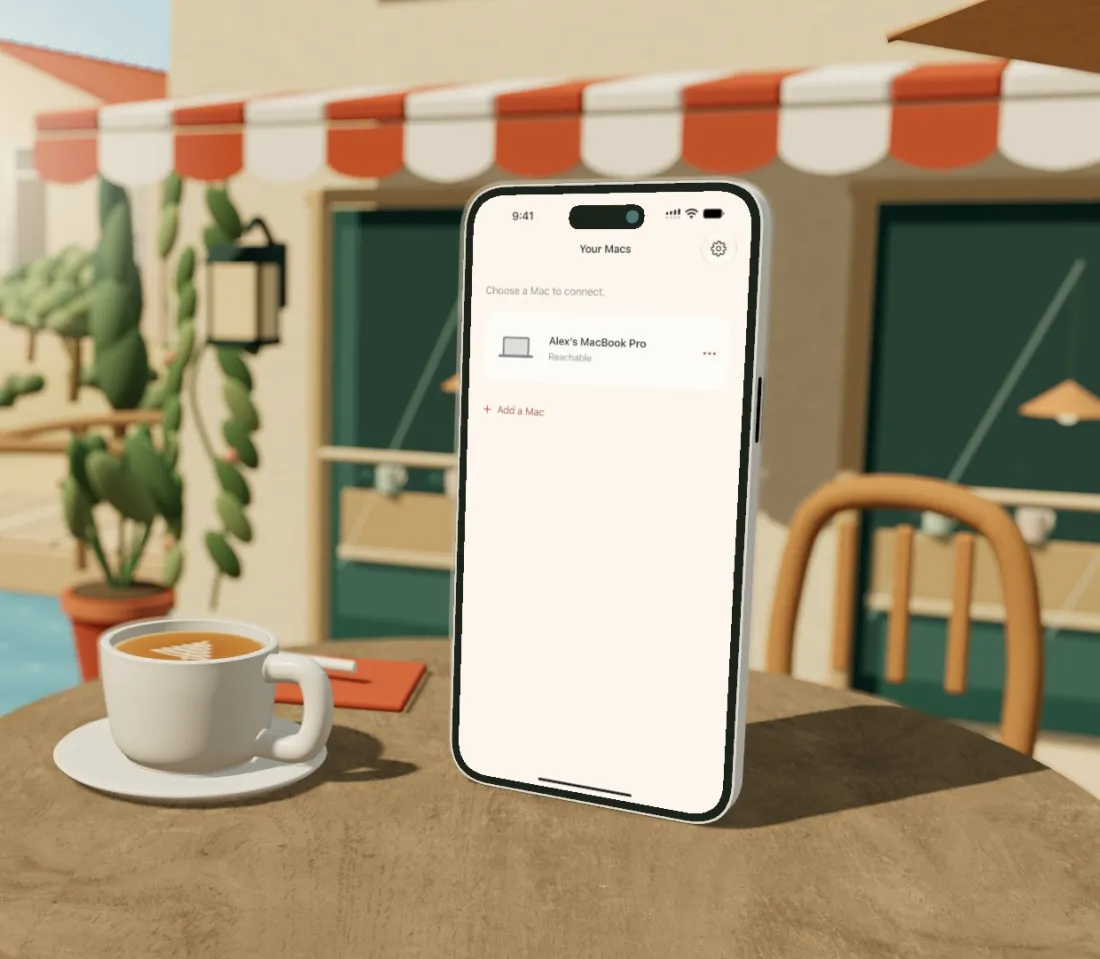
It always happens at the café
It’s stuck at a login on your Mac at home. Sign in from your phone, and it picks up where it left off.
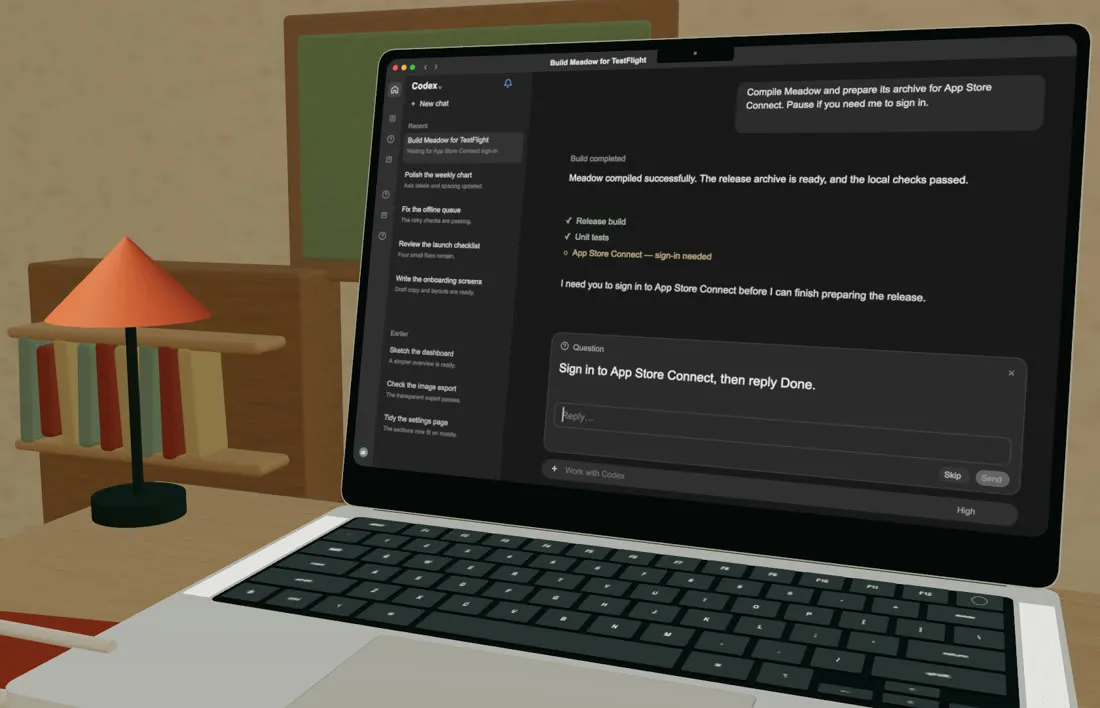
Pocket View
Pocket View fits supported Mac windows to your phone, so you can read and scroll instead of pinching and squinting.
Works with supported Mac windows.
Postcards
Swipe in from the edge and a scroll control appears under your thumb. Left-handed? Flip it.
Your screen and controls travel between your paired devices, never through Takealong servers. Face ID or Touch ID keeps the door locked.
How privacy worksGrab a PDF from a folder you've shared, or drop a photo into the Takealong Inbox on your Mac.
A real Terminal session on your Mac, with Esc, Tab and Ctrl on the keyboard. Switch it on in the Mac app when you want it.
Also packed

Lock your Mac, keep it plugged in and close the lid. Your apps stay reachable while its screen stays dark.

Hear your Mac apps on your iPhone or iPad, while the Mac stays quiet.

See what's running on your Mac, and quit what's stuck.

Mac asking you to log in? Recovery Mode gets you back. Requires Tailscale.

Quick taps on the go, or a keyboard and trackpad on iPad for longer work.

Same Wi‑Fi at home. Tailscale or your own VPN when you’re out.
Bigger screens, real keyboards
iPad and iPhone Duo
Windowmates keeps two Mac windows together, one above the other. Tap between Safari and Excel without switching.
Every iPhone and iPad
Pair a keyboard and a trackpad or mouse, and work like you’re at your desk: arrow keys, shortcuts and a proper pointer.
iPad and iPhone Duo
Apple Pencil works as a precise pointer for tiny buttons and cell edges. Hold for a right-click, drag to move things.
iPhone Duo
In Seated mode, your Mac window sits above the fold and the keyboard below, like a pocket laptop. Prefer a pointer? The bottom half becomes a trackpad.
The bill
Every feature is free for seven days. If Takealong earns its place, it’s $14.99, once, for all your iPhones and iPads. No subscription.
Takealong Café
Table for one · Order #1
One purchase on your Apple Account, restored on each of your iPhones and iPads. Price in USD; local prices shown in the App Store. Setup and pairing stay free.
Thank you. Enjoy the sunshine.
Setup
Download it here and follow the short permission setup.
Download for MacDownload it free from the App Store. Everything is unlocked for your first seven days.
Get it for iPhone & iPadScan the code on your Mac. It works on the same Wi‑Fi, and anywhere else with Tailscale or your own VPN.
Apple silicon Mac with macOS 15 or later · iPhone or iPad with iOS 18 or later · Keep your Mac powered and connected.
Your Mac will be right where you left it.
iPhone & iPad on the App Store · Free Mac companion for Apple silicon Macs
Questions
Takealong shows the apps already on your Mac, so you use the real thing, not a phone version of it. Pocket View, which resizes windows for your phone, works with supported windows; the rest open as they are on your Mac.
Yes. Your apps keep running on your own Mac, so leave it powered and connected. If it locks and asks for a login, Recovery Mode can get you back in (with Tailscale).
Sort of, made for a phone. You pick an app or a window instead of squinting at your whole screen. The full desktop is still there when you need it.
Yes, through a private network like Tailscale (free for personal use) or your own VPN. Takealong doesn’t host computers or pass your screen through its servers.
An Apple silicon Mac on macOS 15 or later with the free Mac companion, and an iPhone or iPad on iOS 18 or later.
One purchase, no subscription. Lifetime Access unlocks Takealong for good on all your iPhones and iPads with the same Apple Account, including every update to this version of the app. If we ever make a major new version, it may be a separate purchase, and the version you bought keeps working.
More in the setup guide: permissions, connecting away from home, and troubleshooting.
Read the setup guide, or email support@takealong.app. Mac updates arrive through the app; you can also choose “Check for Updates” from its menu bar kite.
 Made byDan Nunn
Follow @danyay


